How to Message on WhatsApp Without Saving a Number
I
By Inleads Team
Sales & AI Expert
28th April 2026
4 min read
778 words
By Inleads Team
Sales & AI Expert
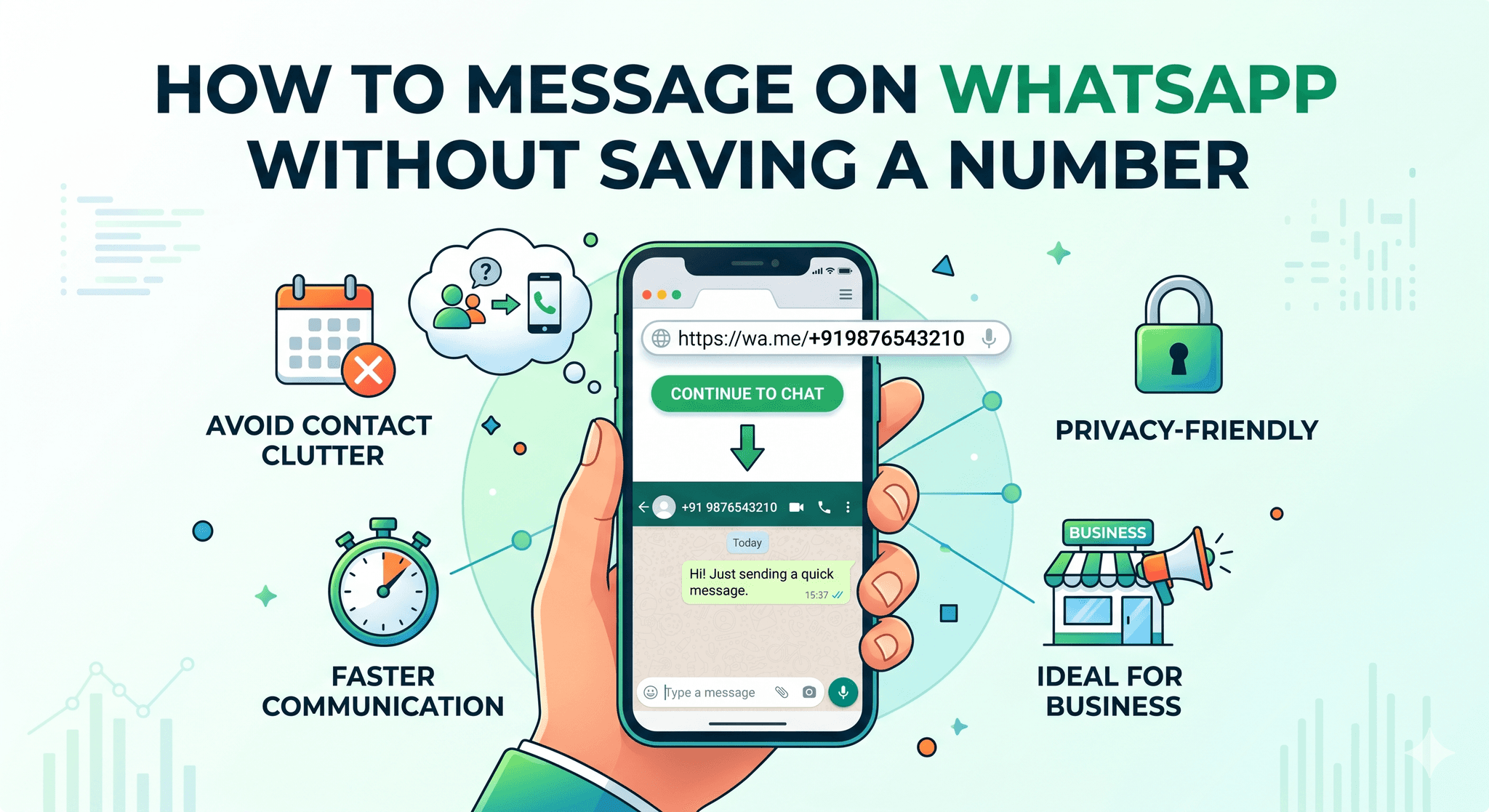
In today's fast-paced digital world, instant communication is everything. Whether you're a business owner reaching out to customers, a freelancer connecting with clients, or just someone who wants to send a quick message without cluttering your contacts, knowing how to message on WhatsApp without saving a number can be incredibly useful.
By default, WhatsApp requires you to save a phone number before starting a chat. But fortunately, there are several easy and effective workarounds that allow you to send messages without adding the number to your contacts. In this blog, we'll explore multiple methods, their benefits, and best practices to help you communicate efficiently.
Before diving into the methods, let's understand why this feature is so useful:
The easiest and most reliable way is through WhatsApp's official Click-to-Chat feature.
WhatsApp provides a direct link format that allows you to start a chat with any number without saving it.
https://wa.me/PhoneNumberhttps://wa.me/919876543210You can also use another link format:
https://api.whatsapp.com/send?phone=PhoneNumber
This works similarly to the Click-to-Chat feature and is widely used in websites and landing pages.
There are several tools and apps that simplify this process. These tools allow you to enter a number and directly open a WhatsApp chat.
Some Android devices allow you to send a number from the dialer directly to WhatsApp.
You can also use voice assistants to send messages without saving numbers.
Make sure you enter the correct country code (e.g., +91 for India).
Sending messages to the wrong number can lead to privacy issues.
If you're messaging for business purposes, maintain a clear and polite tone.
Unsolicited messages can lead to being blocked or reported.
This method is best used for customer queries, support, or one-time conversations.
Messaging without saving numbers is especially valuable for:
For example, if you run ads on Facebook Ads or Google Ads, you can integrate WhatsApp links directly into your campaigns, allowing users to message you instantly without saving your number.
While this method is highly useful, it does have a few limitations:
Knowing how to message on WhatsApp without saving a number is a simple yet powerful trick that can save time and streamline communication. Whether you're an individual user or a business professional, these methods help you stay efficient without cluttering your contact list.
The Click-to-Chat feature remains the best and safest option, but other methods can also be useful depending on your needs. By following best practices and using the right tools, you can enhance your messaging experience and connect with others more effectively.
Discover more insights about AI sales tools and analytics