How to Create an Email Template in Outlook Step-by-Step Guide
K
By Krishna Vepakomma
Sales & AI Expert
2nd February 2026
3 min read
422 words
By Krishna Vepakomma
Sales & AI Expert
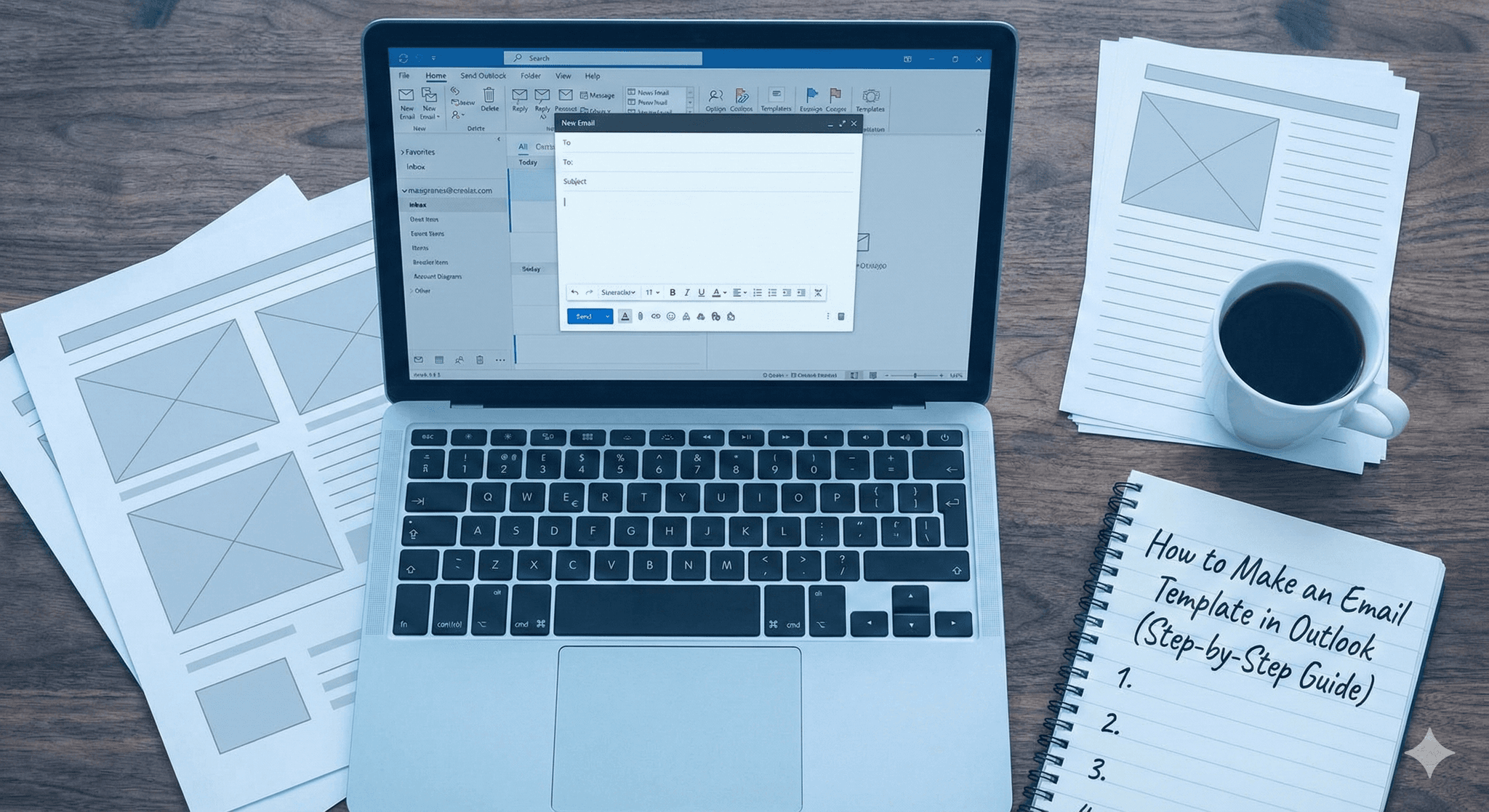
Learn how to create email templates in Microsoft Outlook with this comprehensive step-by-step guide. Save time, maintain consistency, and improve productivity with Outlook email templates. Making email templates in Microsoft Outlook can save you hours each week. This is especially true if you often send the same kind of emails. Templates help you stay consistent, professional, and efficient, whether for follow-ups, proposals, or internal updates.
In this guide, you'll learn how to create an email template in Outlook, step by step, even if you're not tech-savvy.
If you often find yourself rewriting the same emails, templates are your solution.
● Save time and effort. ● Maintain consistent messaging ● Reduce errors and omissions. ● Improve productivity ● Look more professional
This is where your template begins.
Now, type the email content you want to reuse. Include: ● Subject line ● Email body text ● Signature (if required) ● Placeholders like [Name], [Company], or [Date] 👉 Keep the language clear and simple. Remember, templates should be easy to customize.
To use the saved template: 1. Open Outlook 2. Click New Items → More Items → Choose Form 3. Select User Templates in the File System 4. Choose your template and click Open. Your pre-written email will open instantly—just update the details and send.
● Use placeholders to personalize quickly. ● Keep paragraphs short and scannable. ● Stick to one clear purpose per template. ● Use active voice for clarity. ● Test the template before regular use.
● Writing overly long templates ● Forgetting to update names or details ● Using complex language ● Not saving in .oft format. ● Creating too many templates without naming them clearly
Creating an email template in Outlook is easy and can boost your productivity over time. Templates enable you to reply faster, communicate more clearly, and maintain consistency. You won't have to rewrite emails repeatedly.
Discover more insights about AI sales tools and analytics